
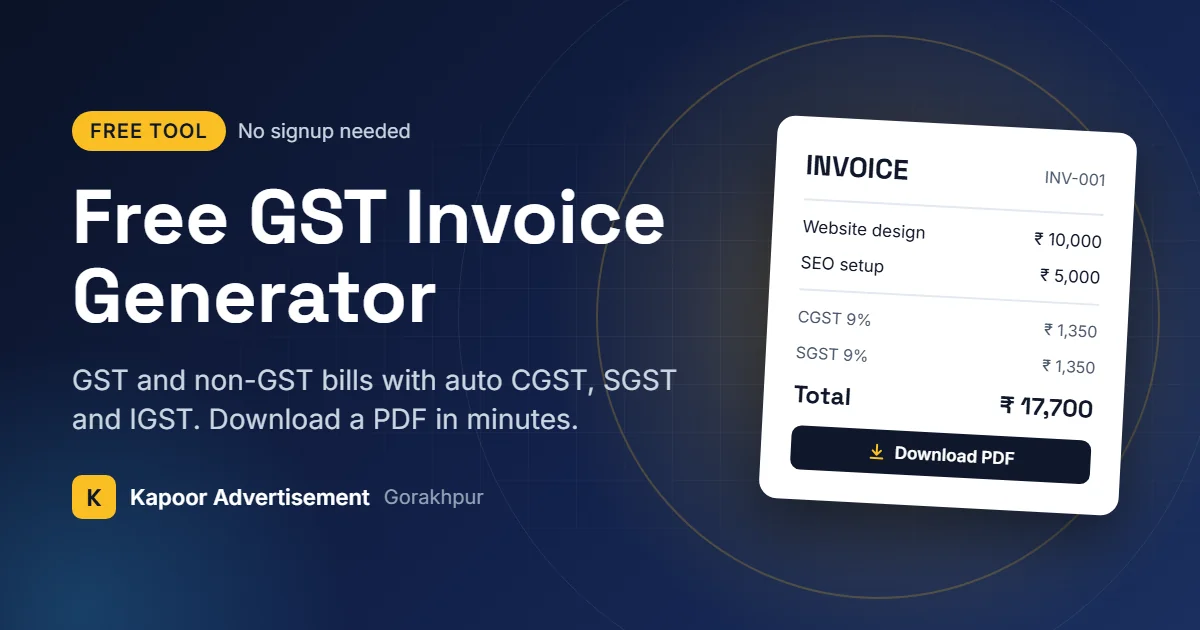
Free GST Invoice Generator Online (PDF, No Signup)
Introduction
If you run a small business, shop or freelance practice in India, you need to send clean, correct invoices. A bad invoice delays payments and makes you look less professional. It can also cause trouble in GST filings. This guide explains what a valid invoice must contain and how to create one in minutes. It also shows how to use our free online invoice generator, which needs no signup and no software
What is a GST invoice?
A GST invoice is a bill that a GST-registered seller issues for goods or services. It records the sale, the tax charged and the parties involved. Buyers use it to claim input tax credit, and sellers use it as proof of the sale in their returns.
A non-GST invoice (sometimes called a bill of supply or simple invoice) is issued by businesses that aren't registered for GST, such as small businesses below the threshold. It has no tax breakdown.
If you aren't sure which one you need, ask your chartered accountant. A business that isn't registered under GST must not charge GST on its invoices.
What a valid invoice should contain
Under Indian GST rules, a tax invoice generally needs these details (check the current rules with your CA, as requirements can change):
- Seller's name, address and GSTIN
- A unique, sequential invoice number
- Invoice date
- Buyer's name, address and GSTIN (if registered)
- Description of goods or services
- HSN code (goods) or SAC code (services)
- Quantity, unit price and total value
- Taxable value, the GST rate and the tax amount
- Place of supply
- Signature or digital signature
Even a non-GST invoice should show your business name, address, date, invoice number, item descriptions and total.
CGST, SGST and IGST: which applies?
The tax you charge depends on where the sale happens:
| Situation | Tax charged |
|---|---|
| Seller and buyer in the same state | CGST + SGST (split equally) |
| Seller and buyer in different states | IGST |
For example, if a Gorakhpur business sells to a customer in Lucknow, both are in Uttar Pradesh, so CGST and SGST apply. If the buyer is in Delhi, you charge IGST.
Getting this wrong is a common mistake, and it's why many people prefer an invoice tool that works it out automatically.
Why use an online invoice generator?
Making invoices in Word or Excel invites errors. You might miscalculate tax, forget a required field, or reuse an invoice number. A good generator:
- Calculates tax automatically, so the numbers are right
- Saves time, since you fill in the details once and download
- Looks professional, so you build trust with clients
- Needs no software or account
How to create an invoice with the Kapoor Advertisement tool
- Open the Free GST Invoice Generator.
- Choose your invoice type: GST or non-GST.
- Enter your business details: name, address, GSTIN (if registered) and contact information.
- Add the buyer's details.
- Add your items or services with quantity, rate and tax percentage. CGST, SGST or IGST is calculated for you.
- Check the live preview to confirm everything looks right.
- Download the PDF and send it to your client by WhatsApp or email.
It's free, and it requires no account or signup.
Tips for better invoices
- Number invoices in sequence (INV-001, INV-002) and never reuse a number.
- Put payment terms on the invoice, such as "Due within 15 days" or your bank and UPI details.
- Use the right HSN or SAC code. If you're unsure, ask your accountant.
- Keep copies of every invoice for your records and tax filings.
- Send invoices promptly. The sooner you invoice, the sooner you're paid.
- Don't charge GST if you aren't registered.
Who is this tool for?
- Freelancers and consultants
- Small shops and traders
- Service businesses (agencies, tutors, contractors)
- Startups that don't want to buy billing software yet
- Anyone who needs a quick one-off invoice
Frequently asked questions
Is the invoice generator really free? Yes. It's free to use, with no signup.
Can I create an invoice without a GST number? Yes. Choose the non-GST option. You must not charge GST if you aren't registered.
Does it calculate CGST, SGST and IGST automatically? Yes. Enter the tax rate and the tool splits it appropriately.
Can I download the invoice as a PDF? Yes. You get a print-ready PDF immediately.
Is my data stored? (Confirm this for your tool and state it here. If nothing is stored, say so. It's a strong trust signal.)
Is this a substitute for professional tax advice? No. This tool and guide are for convenience. For filing and compliance, consult a chartered accountant.
Try it now
Stop wasting time on spreadsheets. Create your free invoice now and have a professional PDF in minutes.
Need a website, SEO or digital marketing for your business in Gorakhpur or Eastern UP? Talk to Kapoor Advertisement.